Add the device to Home Assistant
Once the device is connected to Wi-Fi it should automatically be detected as a new device by Home Assistant.
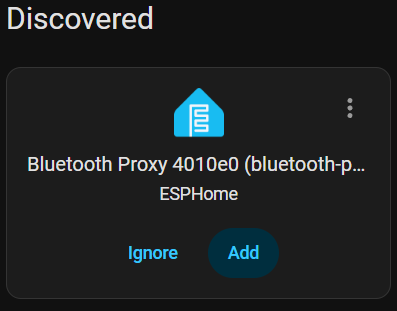
Click ‘Add’ to add this device to Home Assistant.
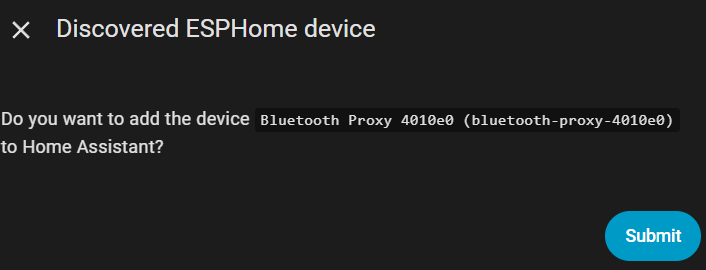
You will be prompted with this popup box, click ‘Submit’.
You will now be asked to choose an Area in HomeAssistant for the device.
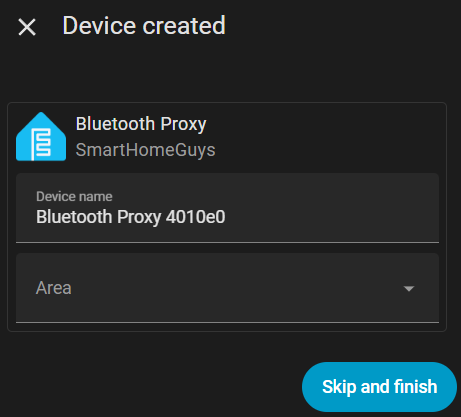
Click ‘Finish’ and a “Bluetooth Proxy” device will now appear under the ESPHome Integration.
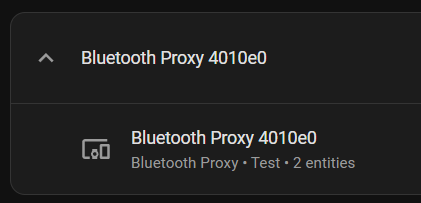
The device will also appear in the Bluetooth Integration goto Settings -> Devices -> Bluetooth
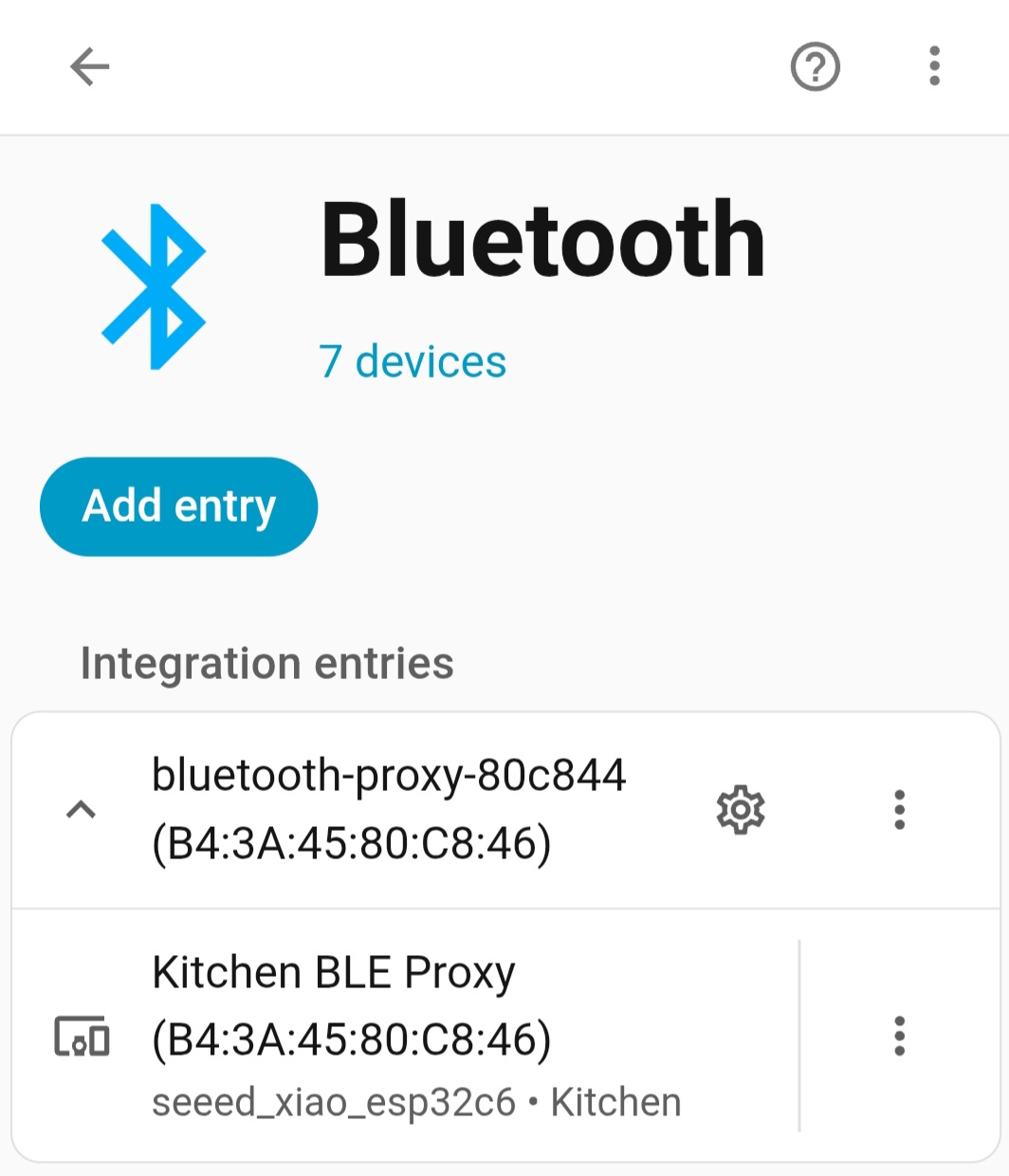
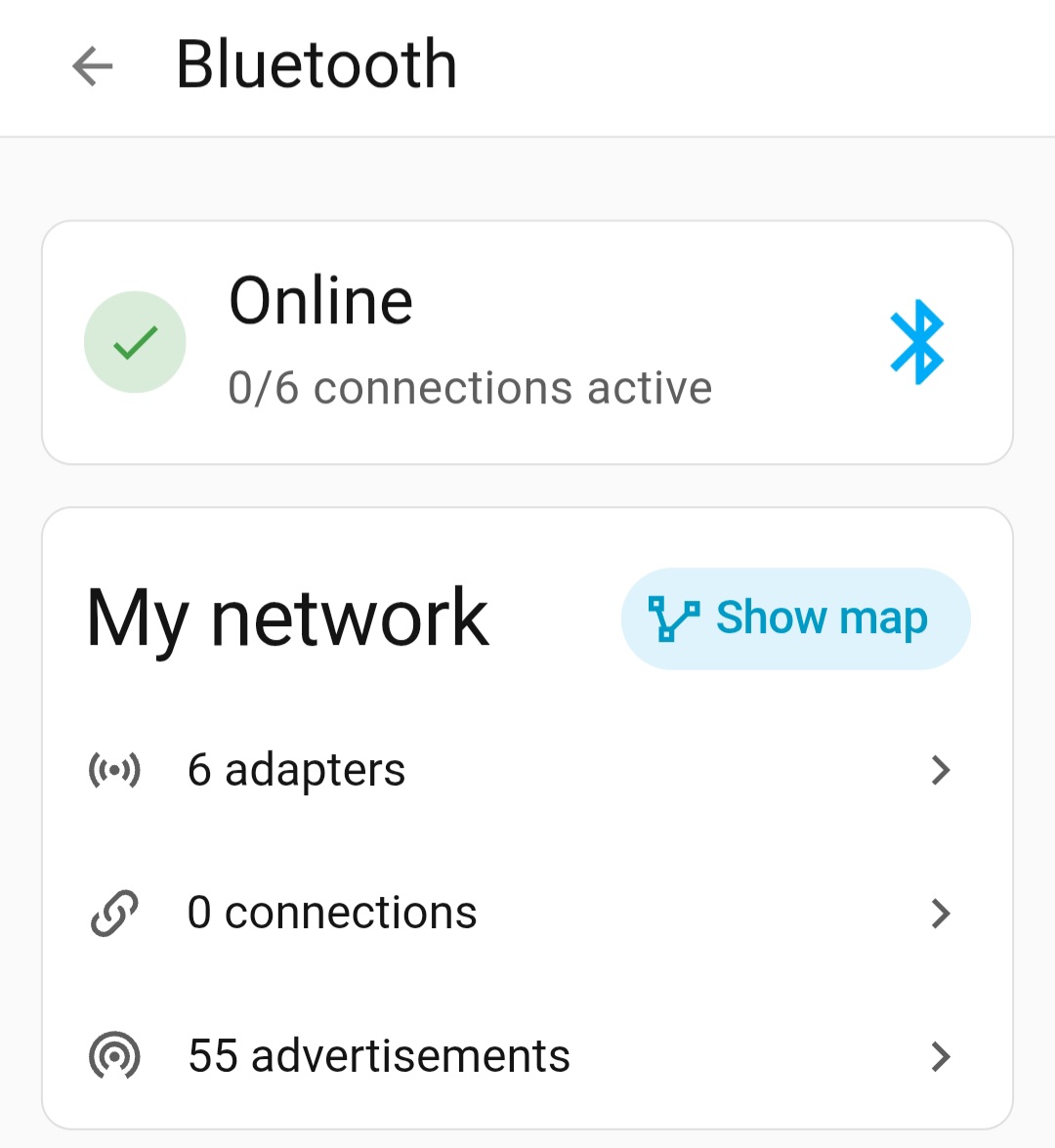
The device will also be shown as an adapter under settings -> Bluetooth -> Adapters
And you can see what other Bluetooth devices it has found nearby by viewing settings -> Bluetooth -> Advertisements
You can now optionally ‘Adopt’ the device in ESP Home by following this guide.